

Store owners comparing fulfillment providers sometimes run into a specific claim about ShipBob: that its processes are standardized to the point of being restrictive, with limited customization for unique packaging and assembly needs, and that brands with complex or unusual requirements are better served by a more specialized provider.
It’s a worry worth taking seriously, because it’s true of a lot of providers. You sign on, you get their process, and the setup you start with is the setup you’re stuck with.
This guide breaks down where that perception comes from and how ShipBob approaches flexibility today, as a platform that automates the operation by default and lets you open up, adjust, or build around almost every layer of it.
What “limited customization” usually means
The concern, in plain terms: ShipBob runs everything one standardized way, so if your packaging, kitting, or workflows fall outside the norm, you either force your business into that mold or you go elsewhere.
The assumptions underneath it usually sound like this:
- Custom packaging and kitting are limited or hard to set up
- Complex or high-mix product catalogs won’t be handled well
- Once you’re onboarded, you can’t change how orders are routed or fulfilled
- Automation means losing visibility and hands-on control
- Teams running their own systems (an ERP, a custom stack) have to work inside ShipBob’s tools instead of their own
This is the misconception: that “standardized” and “flexible” are opposites, and that choosing ShipBob means trading control for consistency.
How ShipBob approaches flexibility: automation by default, override in your hands
Every layer runs on automation by default: order logic, inventory placement, even carrier selection, so your team isn’t reviewing every order by hand.
Every one of those layers is also something you can open up and change yourself, or build around with your own tools.
“Inflexible” is usually code for a narrower worry: whether you can change course once you’re in. Being able to overrule automations is the real question, and with ShipBob that override stays with you.
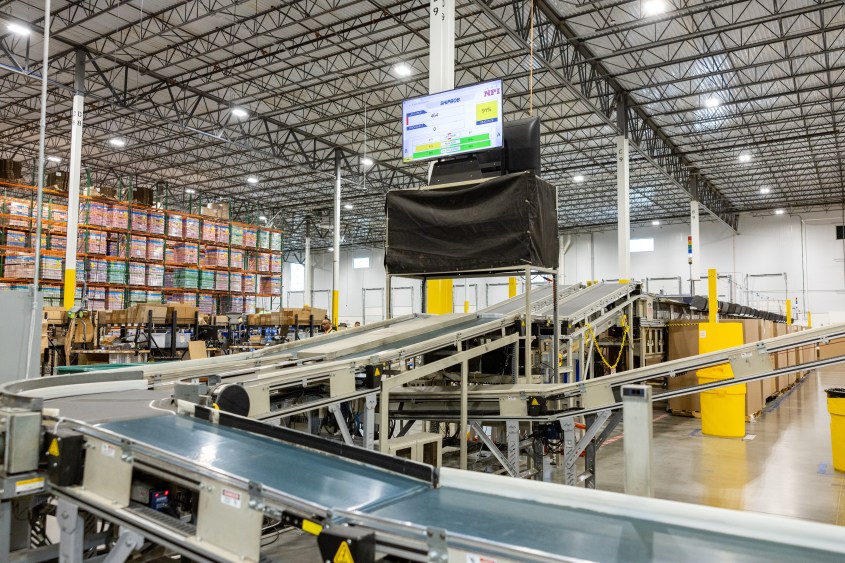
This is the difference between a traditional 3PL and a platform that lets you set the process, then automates it.
A closer look at what you can actually control
Flexibility shows up in four places most often: order rules, packaging and kitting, your own integrations, and overrides on the automated layer.
Order rules that run your fulfillment logic automatically
Order rules let your fulfillment logic run automatically on every order, so growing your volume doesn’t mean adding operations headcount just to keep up.
You set the logic once, in the ShipBob dashboard, and it applies going forward. You can:
- Set packaging preferences and requirements per product.
- Add marketing inserts to specific orders.
- Split orders by product or destination.
- Control how orders route across fulfillment centers.
So when an order falls outside the norm, like a stockout or a shipment that needs to move a particular way, the rule you set handles it instead of it becoming a manual fire drill. An item out of stock in one location can ship from another, or ship partially, based on the rule you chose, not a one-off decision someone has to make that afternoon.
“We have several rules set up in our ShipBob dashboard to make sure the right orders get the right customizations. When an order comes in, it gets tagged based on what kind of order it is. Then ShipBob’s system will automatically add the right customizations for each tag to each order, and the packer will know what inserts to include or packaging to use.
As long as we’re using the appropriate tags, it’s seamless. In the past, there’s no way we could have achieved and automated the level of customization we wanted, and had it actually work successfully – but with ShipBob Plus, we can.”
Oscar Gutierrez, Operations Fulfillment Manager at goPure
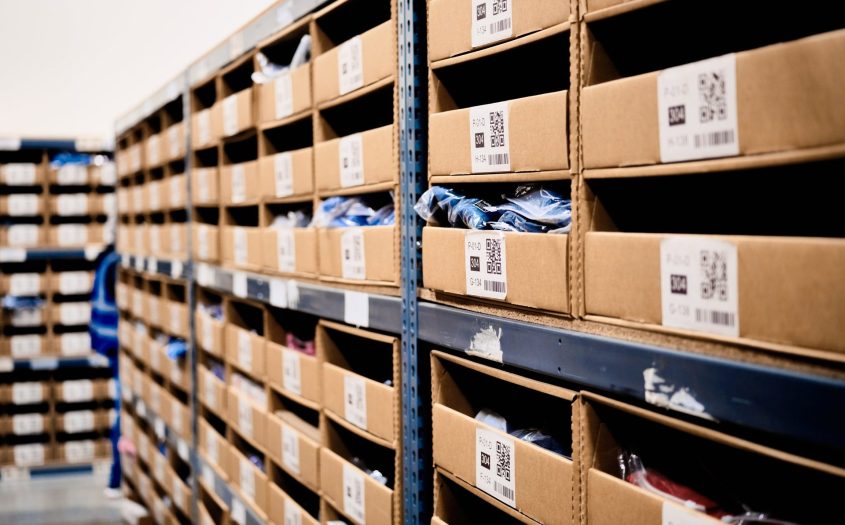
Packaging, inserts, and kitting you configure at the SKU level
Packaging and kitting sit right at the center of the customization question, and both are set up at the product level rather than requested as a favor.
Through ShipBob’s Customization Suite, you can:
- Ship in your own branded boxes and mailers, stored, and assigned as their own SKUs.
- Set packaging requirements per SKU, so a given product always ships the way you intend.
- Add marketing inserts and gift notes (standard or premium) to orders.
- Request value-added services like kitting and bundling as work orders directly from the dashboard.
Kitting is specifically worth highlighting, because it’s the classic complex requirement merchants worry about losing. You can build kits and bundles, break cases down, and manage those as work orders, so a multi-piece set or a subscription box is handled as one configured product. For a full walkthrough, see ShipBob’s guide to kitting.
Aroma360 is a luxury scent brand ships a wide variety of products with a lot of customization, and its Director of Logistics, Melissa Mosheim, described the result this way:
“ShipBob’s team has done an amazing job at learning our business, and the technology that drives ShipBob’s packing process ensures that every order gets fulfilled to our particular specifications.”
ShipBob’s step-by-step packing flow shows packers which dividers go with which candles, which box each combination needs, and how to package it, down to reference images for each step.
Complex presentation, in other words, is configured once and then runs automatically: standardized execution of a setup you defined.



Your own tools and integrations through the developer platform
Teams that run on their own systems can keep working in those systems rather than moving into ShipBob’s tools.
If your team runs on NetSuite, Adobe Commerce, or a custom ERP, ShipBob’s Developer Platform gives you more than 90 endpoints across nine resource areas, so you can create orders, submit warehouse receiving orders, pull inventory and tracking data, and process returns from the systems you already use.
Webhooks keep those connected systems in sync automatically, so your source of truth stays current without manual exports.
When a workflow doesn’t fit a standard integration, you can also work directly with ShipBob’s Solutions Architecture team to build the custom integration your business needs. The flexibility here lives in the API and the people.
“We used ShipBob’s Developer API to have our developers set up a direct integration to route orders into ShipBob, as we bring on new customers who need smart technology kits shipped to their home. ShipBob’s platform is easier to use than our prior platform. Submitting an inbound request, tracking inventory, and reporting and analytics in ShipBob are all very helpful as well.”
Simon Farrugia, Chief Product Officer at Honey Insurance.
Overrides on the automated layer: carriers, inventory, and returns
A smart default is only reassuring if you can step in when you want to, and on ShipBob you can.
Carriers: ShipBob’s transportation network chooses the carrier that balances cost and speed on each order. If you don’t want a particular carrier in the mix, turn it off, and the engine works around your choice.
“ShipBob’s software has a carrier selection algorithm that automatically chooses the fastest, most cost-effective carrier for each unique package, and they work with the same, plus many more highly vetted carriers (for which they monitor performance and optimize lanes at the zip code level).
Leveraging ShipBob’s intelligent carrier mix, vast network, and algorithms, our actual per shipment rate is at least a dollar less than it was before. Combined with every kind of fee being lower, switching to ShipBob has saved us $1 million dollars in one year alone.”
Gregory Frye, VP of Operations at Hi-Altitude Brands
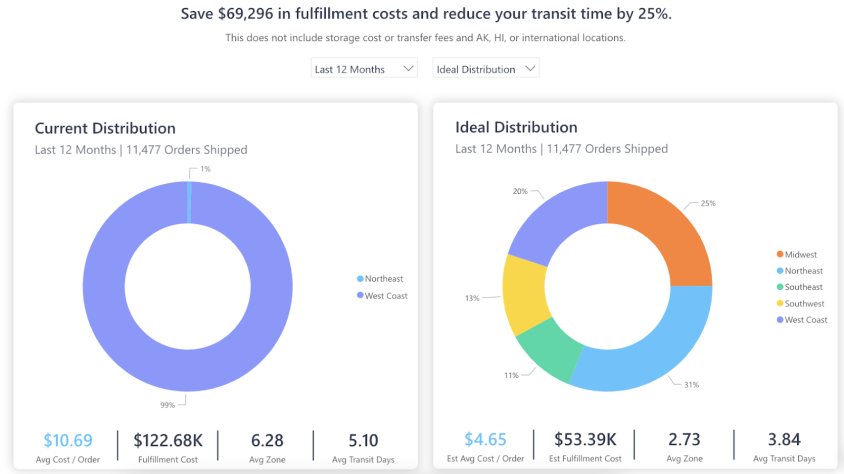
Inventory placement: The Inventory Placement Program (IPP) distributes your inventory across ShipBob’s US fulfillment network automatically, using demand patterns to move stock closer to your customers. If you disagree with how it’s allocated, you can adjust it yourself.
“Expanding our warehouse network from 2 to 4 warehouses has translated into $1.5 million in freight cost savings for Our Place. It also cut our fulfillment and shipping times in half, from 5 or 6 days to just 2.5 days.”
Ali Shahid, COO of Our Place
Returns: When an item comes back, you decide how that SKU is treated, whether it’s restocked, quarantined, or disposed of. It’s a short, clear decision per SKU rather than a black box.
“Through the ShipBob dashboard, we can set up our preferences for each SKU that indicate exactly how we want ShipBob to handle a return – whether we want the item quarantined or disposed of – and ShipBob will automatically follow those rules so we don’t have to manage every customer-initiated return ourselves.”
Neil Blewitt, SVP of Operations at Bloom Nutrition
Across all three, the approach is identical: a smart default you can overrule the moment you have a reason to.
Standardized doesn’t mean rigid
The perception gets one thing half-right. ShipBob is standardized: every fulfillment center runs on the same technology and the same service standards, which is exactly why accuracy and speed hold up as you grow across locations. You can see how ShipBob approaches accurate, consistent fulfillment in a separate guide.
Flexibility is the other half of the same coin. The standard platform is what makes your customizations reliable: a packaging rule, a kit, or a carrier preference behaves the same way in every fulfillment center, every time. Consistency and control, not one at the expense of the other.

See what you’d actually control
The useful next step is to hold your own workflows up against what’s covered here: your packaging and kitting, your integrations, your routing and inventory preferences.
- Explore the Customization Suite for packaging, inserts, gift notes, and kitting
- Review the developer documentation if your team builds on an API or ERP
- See how IPP handles US inventory distribution, and where you’d adjust it
Click the button below to connect with ShipBob’s team and walk through how much of your operation you’d actually set and control.
Customizing your operations with ShipBob FAQs
Here are answers to some of the most common questions about ShipBob’s customization capabilities and solutions.
Can I set my own fulfillment rules?

Fulfillment logic is fully configurable. In the ShipBob dashboard you can set order rules that run automatically on every order, including how orders split, how they route across fulfillment centers by destination, and how exceptions like stockouts are handled. You set the logic once, and it applies going forward.
Can I use custom packaging and kitting?
Yes. You can ship in your own branded boxes and mailers, set packaging requirements at the SKU level, add marketing inserts and gift notes, and request value-added services like kitting and bundling as work orders from the dashboard.
Can I connect my ERP or build on ShipBob’s API?
Yes. ShipBob’s Developer Platform offers more than 90 endpoints across nine resource areas, plus webhooks to keep connected systems in sync, so teams on NetSuite, Adobe Commerce, or a custom ERP can work from their own tools. For non-standard workflows, ShipBob’s Solutions Architecture team can build a custom integration.
Can I turn off a carrier I don’t want to use?
Yes. ShipBob’s transportation network selects a carrier for cost and speed on each order, and you can turn off any carrier you’d rather not use. The engine routes around your preference.
What happens with returns?
When an item comes back, you decide how that SKU is treated: restock it, quarantine it, or dispose of it. You make that call per SKU.


